

ChatGPT-icon

ChatGPT

Bring Seismic’s trusted content and workflows into ChatGPT

Description

Seismic for ChatGPT turns ChatGPT into a trusted extension of Seismic, helping GTM teams find answers from approved content, and take action using Seismic’s governed content and workflows.
With the Seismic connector, users can bring Seismic context and workflows into ChatGPT to quickly search approved content, generate source-backed answers, summarize key information, and create shareable content experiences like LiveSend links. Instead of copying content between systems or relying on generic AI responses, teams can work from trusted Seismic content directly in ChatGPT.
Today, teams can use Seismic for ChatGPT to support common GTM workflows like content discovery, answer generation, meeting preparation, content sharing, and follow-up. As Seismic continues expanding its AI capabilities, more tools and workflows will become available to help teams move from answers to action. 
The connector respects existing Seismic permissions, so users only see and use the Seismic content and capabilities they are authorized to access.

How this app works

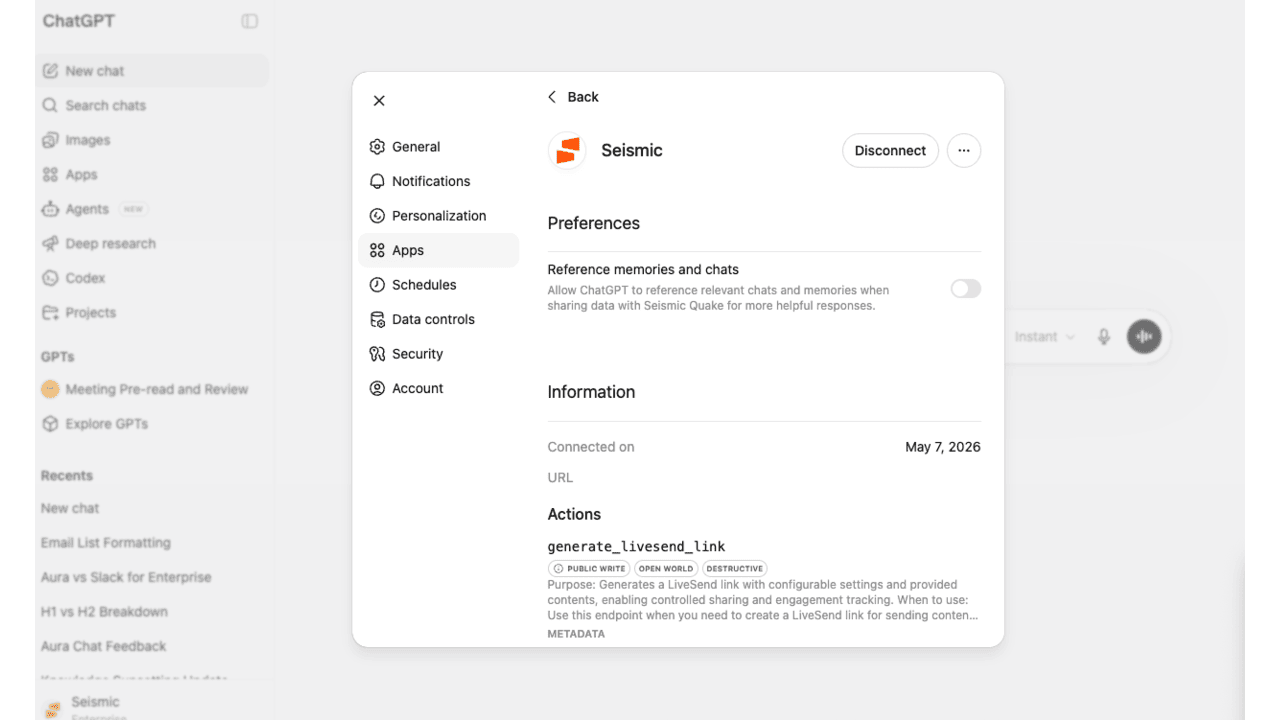
This app is the connector that bridges ChatGPT and Seismic. Installed at the tenant level, it gives administrators control over authentication and access scopes, which determine exactly which Seismic tools and content ChatGPT can use. Without this connector configured with at least one scope, no Seismic tools will appear in ChatGPT.
Once set up, ChatGPT uses that authorized access to pull real Seismic data and deliver grounded, relevant responses in real time.
Getting started takes just a few steps across your Seismic and ChatGPT administrators.
Your Seismic tenant administrator:
  1. Installs this app into your Seismic tenant
  2. Enables and configures it via System Settings > My Apps > ChatGPT
Your IT administrator:
  1. Installs the Seismic app into ChatGPT via the ChatGPT app catalog
  2. Distributes the app to your users
Your end users:
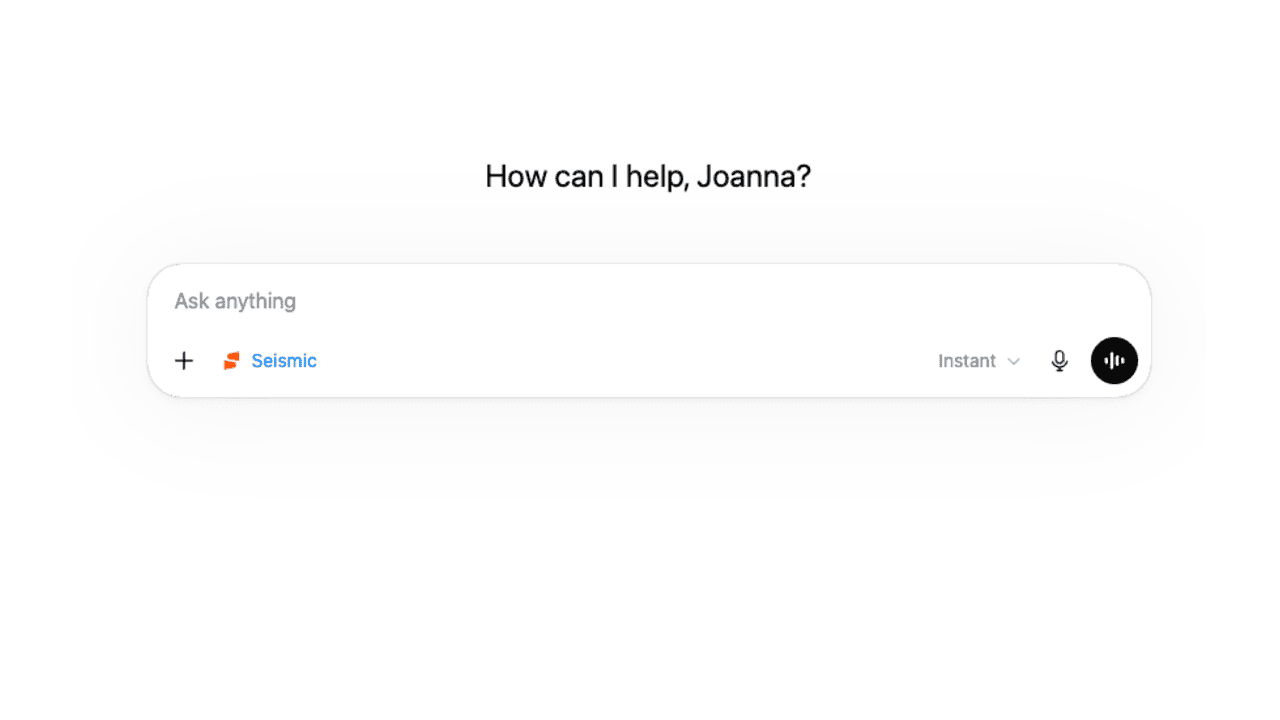
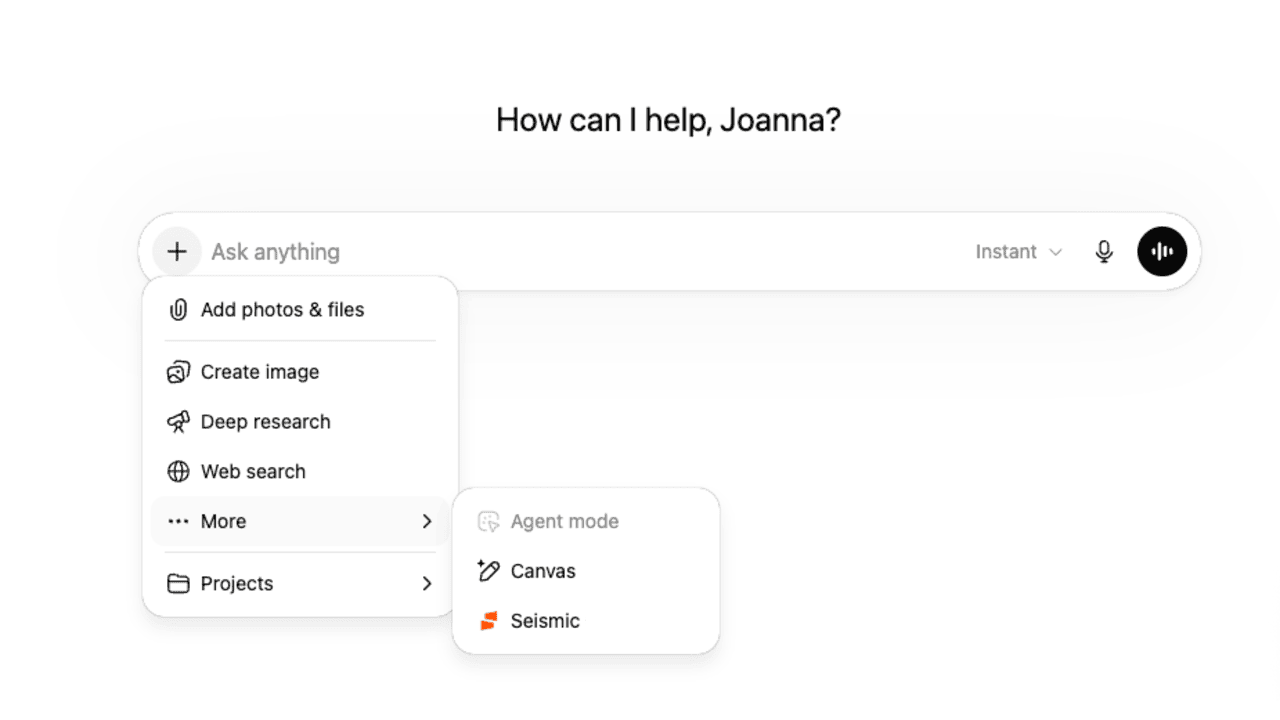
  1. Navigate to the Seismic app at
Key Features
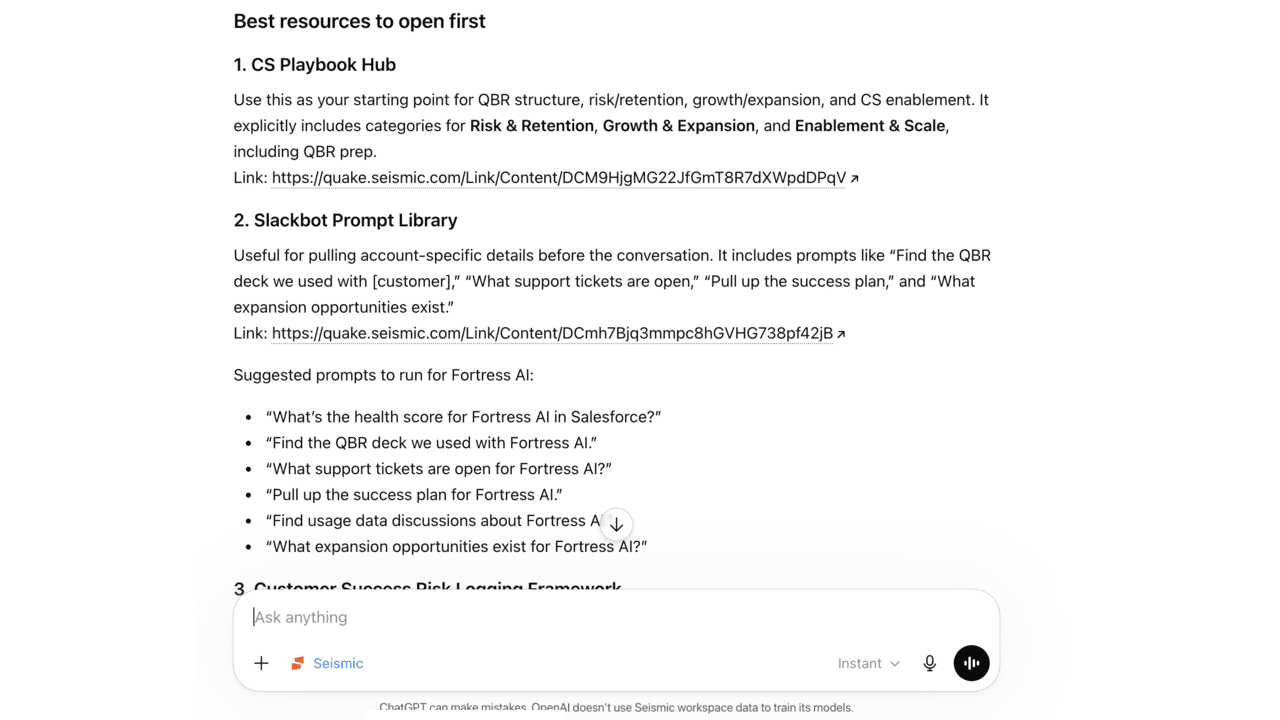
  • Generative Content Search: Using natural language, ask ChatGPT to find and summarize Seismic content, answer questions, or even write emails. Powered by Seismic Aura.
  • Meeting Intelligence: Access transcripts, summaries, engagement data, and post-meeting overviews without leaving your workflow
  • CRM Context Access: Pull CRM systems, contexts, and account details to ground responses in real deal data
  • LiveSend Link Generation: Create and share LiveSend links directly through ChatGPT
  • DSR Engagement Tracking: Retrieve DSR engagement lists to stay on top of buyer activity
  • Admin-Controlled Access: Tenant-level installation lets admins define exactly which tools agents can invoke
Prerequisites
  • A ChatGPT account on a paid plan (Plus, Pro, Business, or Enterprise)
    • Business or Enterprise is recommended for teams requiring centralized admin control over app availability
  • A Seismic account with Aura enabled
  • Seismic tenant administrator access to install and configure the app
  • IT administrator access to distribute the connector to users
Categories
Analytics
Productivity
Sales Readiness
Version
1.0.0
Developer
Seismic®
Have A Question?

Seismic®'s team is here to help with any question you have about their app.

ChatGPT-icon

ChatGPT

Bring Seismic’s trusted content and workflows into ChatGPT

General Information

Description

Seismic for ChatGPT turns ChatGPT into a trusted extension of Seismic, helping GTM teams find answers from approved content, and take action using Seismic’s governed content and workflows.
With the Seismic connector, users can bring Seismic context and workflows into ChatGPT to quickly search approved content, generate source-backed answers, summarize key information, and create shareable content experiences like LiveSend links. Instead of copying content between systems or relying on generic AI responses, teams can work from trusted Seismic content directly in ChatGPT.
Today, teams can use Seismic for ChatGPT to support common GTM workflows like content discovery, answer generation, meeting preparation, content sharing, and follow-up. As Seismic continues expanding its AI capabilities, more tools and workflows will become available to help teams move from answers to action. 
The connector respects existing Seismic permissions, so users only see and use the Seismic content and capabilities they are authorized to access.

How this app works

This app is the connector that bridges ChatGPT and Seismic. Installed at the tenant level, it gives administrators control over authentication and access scopes, which determine exactly which Seismic tools and content ChatGPT can use. Without this connector configured with at least one scope, no Seismic tools will appear in ChatGPT.
Once set up, ChatGPT uses that authorized access to pull real Seismic data and deliver grounded, relevant responses in real time.
Getting started takes just a few steps across your Seismic and ChatGPT administrators.
Your Seismic tenant administrator:
  1. Installs this app into your Seismic tenant
  2. Enables and configures it via System Settings > My Apps > ChatGPT
Your IT administrator:
  1. Installs the Seismic app into ChatGPT via the ChatGPT app catalog
  2. Distributes the app to your users
Your end users:
  1. Navigate to the Seismic app at
Key Features
  • Generative Content Search: Using natural language, ask ChatGPT to find and summarize Seismic content, answer questions, or even write emails. Powered by Seismic Aura.
  • Meeting Intelligence: Access transcripts, summaries, engagement data, and post-meeting overviews without leaving your workflow
  • CRM Context Access: Pull CRM systems, contexts, and account details to ground responses in real deal data
  • LiveSend Link Generation: Create and share LiveSend links directly through ChatGPT
  • DSR Engagement Tracking: Retrieve DSR engagement lists to stay on top of buyer activity
  • Admin-Controlled Access: Tenant-level installation lets admins define exactly which tools agents can invoke
Prerequisites
  • A ChatGPT account on a paid plan (Plus, Pro, Business, or Enterprise)
    • Business or Enterprise is recommended for teams requiring centralized admin control over app availability
  • A Seismic account with Aura enabled
  • Seismic tenant administrator access to install and configure the app
  • IT administrator access to distribute the connector to users
Categories
Analytics
Productivity
Sales Readiness

Developer
Seismic®
Have A Question?

Seismic®'s team is here to help with any question you have about their app.


Additional Information

/* istanbul ignore next */

/* istanbul ignore next */