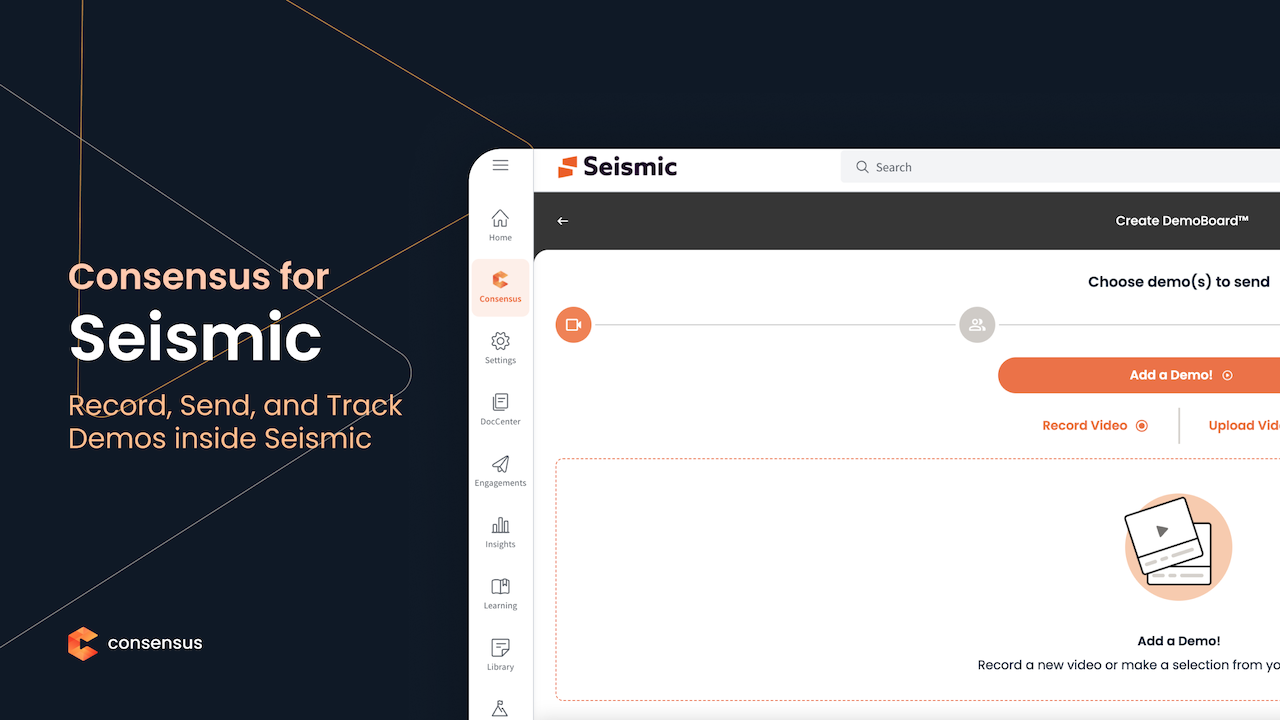
Empower your sales team to share personalized, interactive
Consensus DemoBoards directly within Seismic. Enable a seamless buyer
experience in your Digital Sales Rooms while gaining deep, actionable analytics
on buyer engagement and content paths to accelerate your deals. The Consensus for Seismic integration embeds the Consensus
application directly into the Seismic interface, allowing sales users to manage
and share demo content without leaving their workflow.
How this app works
Login and Access: Once installed and enabled, users can log
into Consensus from the main navigation in Seismic.
Access Demo Library: Users can access their demo library to
search and preview demos they have permissions to use. They can see recent
demos used, demos that are promoted for their organization, or demos they have
favorited.
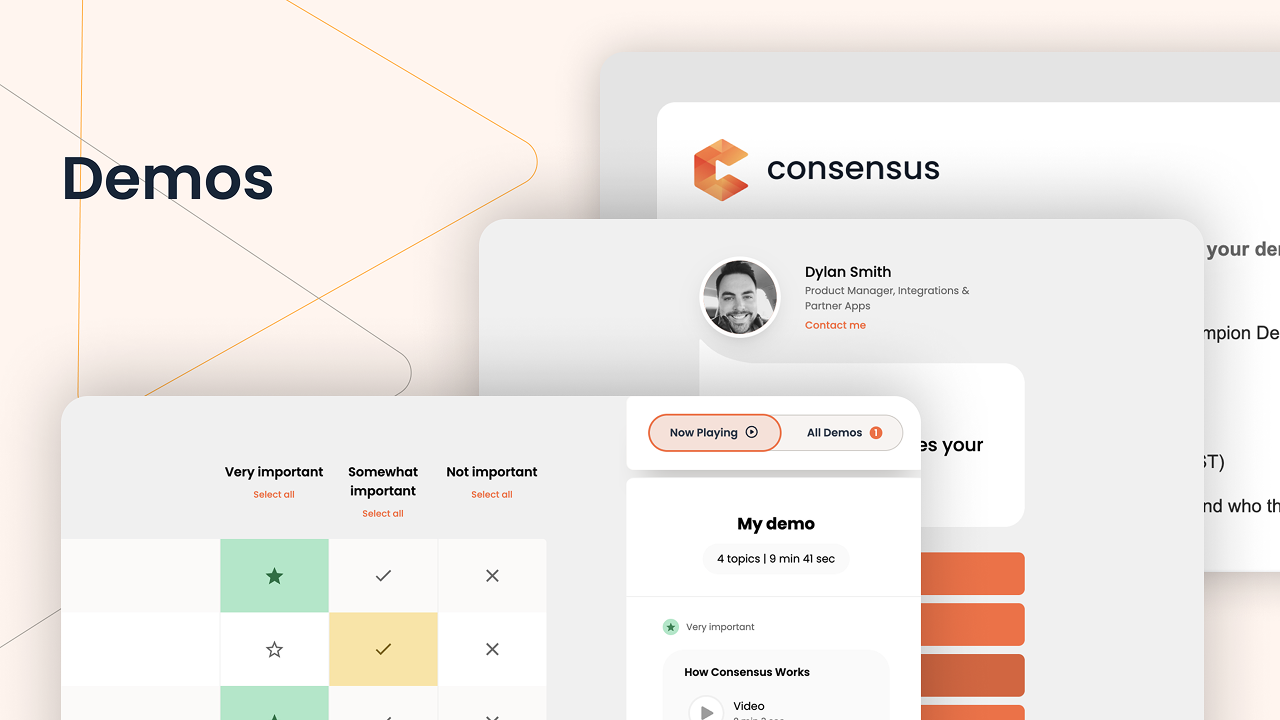
Create or Access DemoBoards: Users can create new DemoBoards
or access their historical DemoBoards from within the embedded Consensus
application.
Record New Single Video Demos: During the process of
creating a new DemoBoard, users can either upload or record a new video demo.
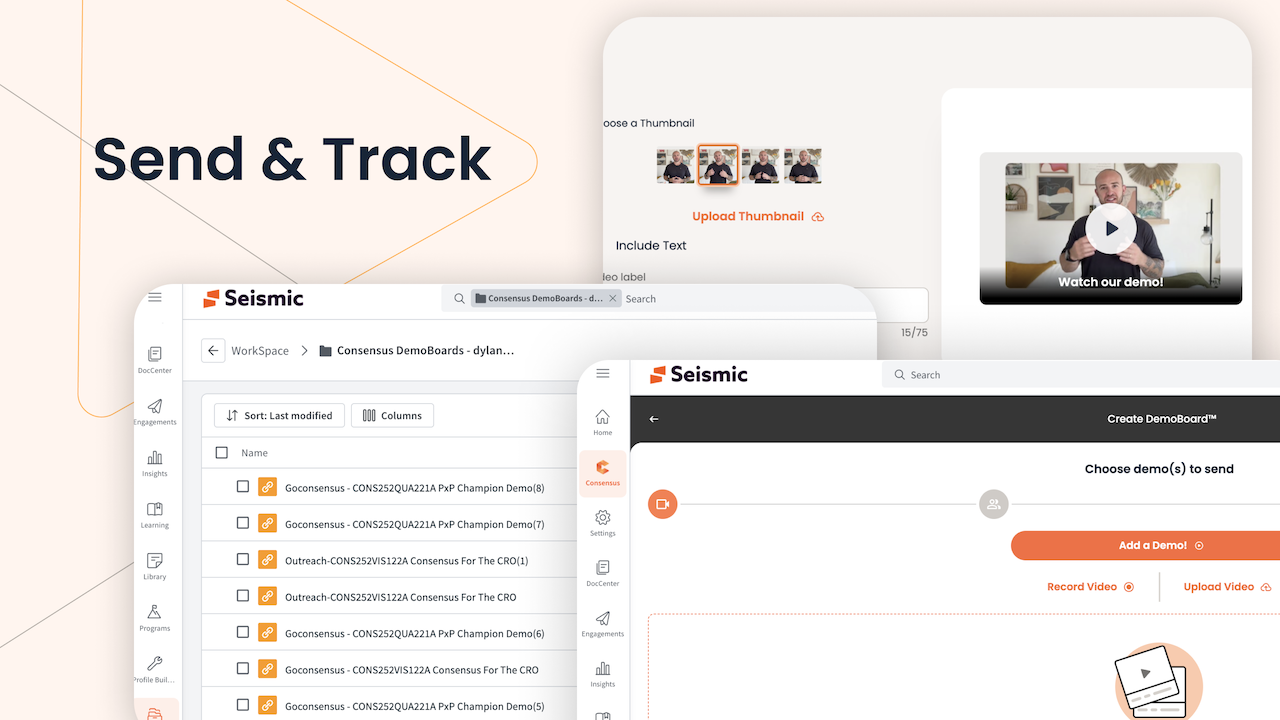
Save DemoBoard to Workspace: After a DemoBoard is created,
users have the option to "Save to Workspace" allowing the DemoBoard
link to be added to external engagements such as Sales Rooms.
Key Features
Seamless Demo Creation & Sharing: Create new DemoBoards or save existing ones directly from within the Seismic interface.
Single Source of Truth: DemoBoard links are saved to a dedicated "Consensus DemoBoards" folder in the user's Seismic Workspace for easy access.
Digital Sales Room Ready: Easily include saved DemoBoard links in a new or existing Seismic Digital Sales Room.
Prerequisites
An active Consensus account is required for all sales users.
The Administrator installing and enabling the app must be an active administrator within their Consensus account and share the same email address on both platforms.
A user's Seismic account email address must match the email address they use to log in to Consensus for the integration to work correctly.
Empower your sales team to share personalized, interactive
Consensus DemoBoards directly within Seismic. Enable a seamless buyer
experience in your Digital Sales Rooms while gaining deep, actionable analytics
on buyer engagement and content paths to accelerate your deals. The Consensus for Seismic integration embeds the Consensus
application directly into the Seismic interface, allowing sales users to manage
and share demo content without leaving their workflow.
How this app works
Login and Access: Once installed and enabled, users can log
into Consensus from the main navigation in Seismic.
Access Demo Library: Users can access their demo library to
search and preview demos they have permissions to use. They can see recent
demos used, demos that are promoted for their organization, or demos they have
favorited.
Create or Access DemoBoards: Users can create new DemoBoards
or access their historical DemoBoards from within the embedded Consensus
application.
Record New Single Video Demos: During the process of
creating a new DemoBoard, users can either upload or record a new video demo.
Save DemoBoard to Workspace: After a DemoBoard is created,
users have the option to "Save to Workspace" allowing the DemoBoard
link to be added to external engagements such as Sales Rooms.
Key Features
Seamless Demo Creation & Sharing: Create new DemoBoards or save existing ones directly from within the Seismic interface.
Single Source of Truth: DemoBoard links are saved to a dedicated "Consensus DemoBoards" folder in the user's Seismic Workspace for easy access.
Digital Sales Room Ready: Easily include saved DemoBoard links in a new or existing Seismic Digital Sales Room.
Prerequisites
An active Consensus account is required for all sales users.
The Administrator installing and enabling the app must be an active administrator within their Consensus account and share the same email address on both platforms.
A user's Seismic account email address must match the email address they use to log in to Consensus for the integration to work correctly.
Categories
Communications
Sales Engagement
Developer
Consensus
Have A Question?
Consensus's team is here to help with any question you have about their
app.